Yeelight pro devices to Home Assistant
Yeelight pro devices to Home Assistant
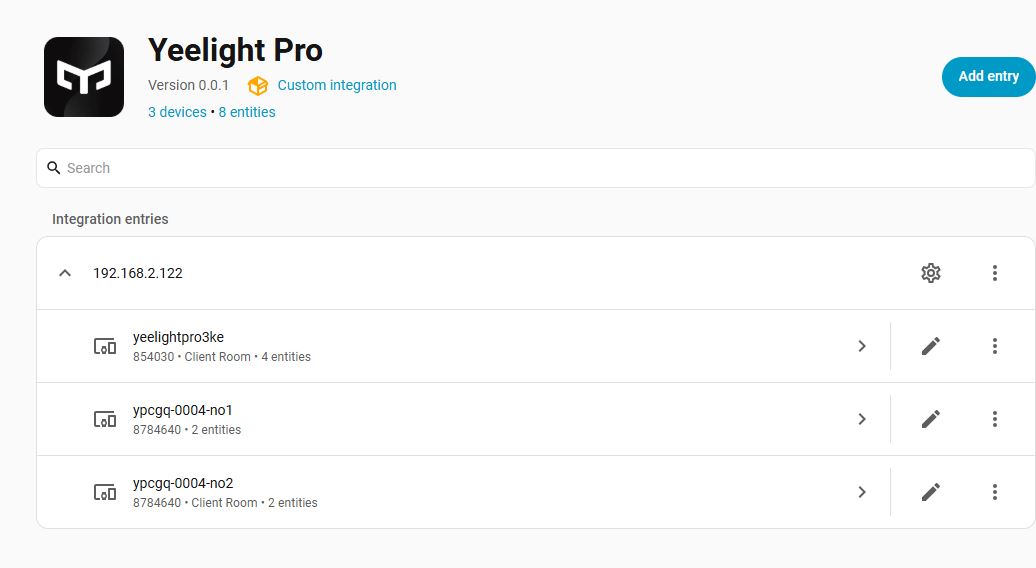
Yeelight Pro Gateway and sub devices can be integrated into Home Assistant (HA) natively via a custom local integration.you can use a custom integration dedicated to the Yeelight Pro Local API.
To successfully integrate the Yeelight Pro S20 Gateway (Enhanced Edition) into Home Assistant, you need to complete the following steps:
step 1.Download the Yeelight Pro app.
step 2.Add the gateway and its sub-devices within the Yeelight Pro app.
step 3.Enable the local area network (LAN) control settings for the gateway inside the Yeelight Pro app.
step 4.Integrate the gateway into Home Assistant using the https://github.com/hasscc/yeelight-pro custom integration.
Enabe LAN mode:You must enabe LAN mode for the yeelight pro gateway via the yeelight pro app.
Connect call ('192.168.2.126', 65443)
Integration is attempting to establish a local network connection using specific parameters.
Integration
Yeelight Pro Integration for Home Assistant
https://github.com/hasscc/yeelight-pro
Comments
Be the first to post a comment